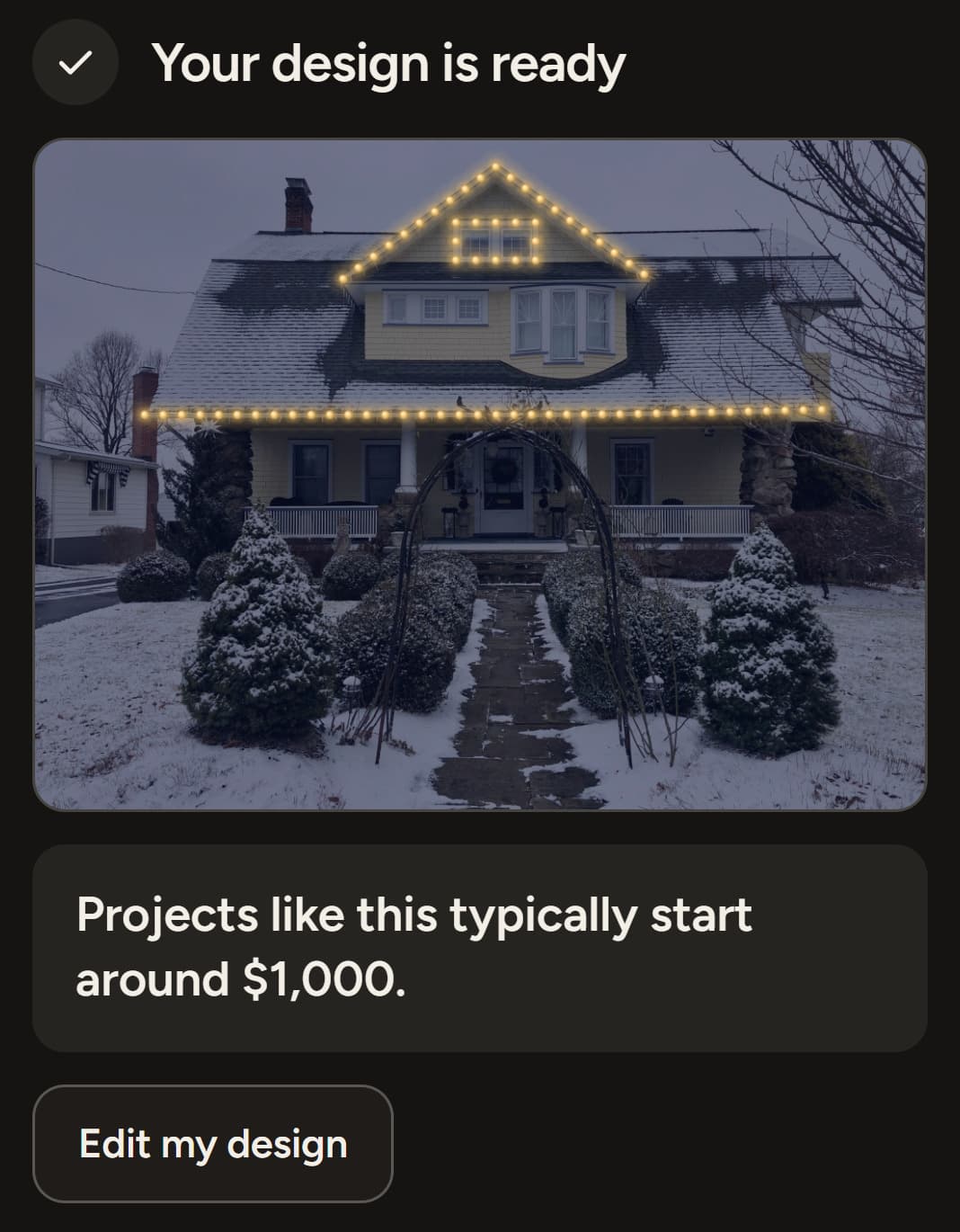
Starting price
Sets expectations early while keeping your final price flexible.
White-label software for Christmas light installers
Give customers a branded link where they can upload their home, design their display, see a realistic preview and send the finished design straight to your team.
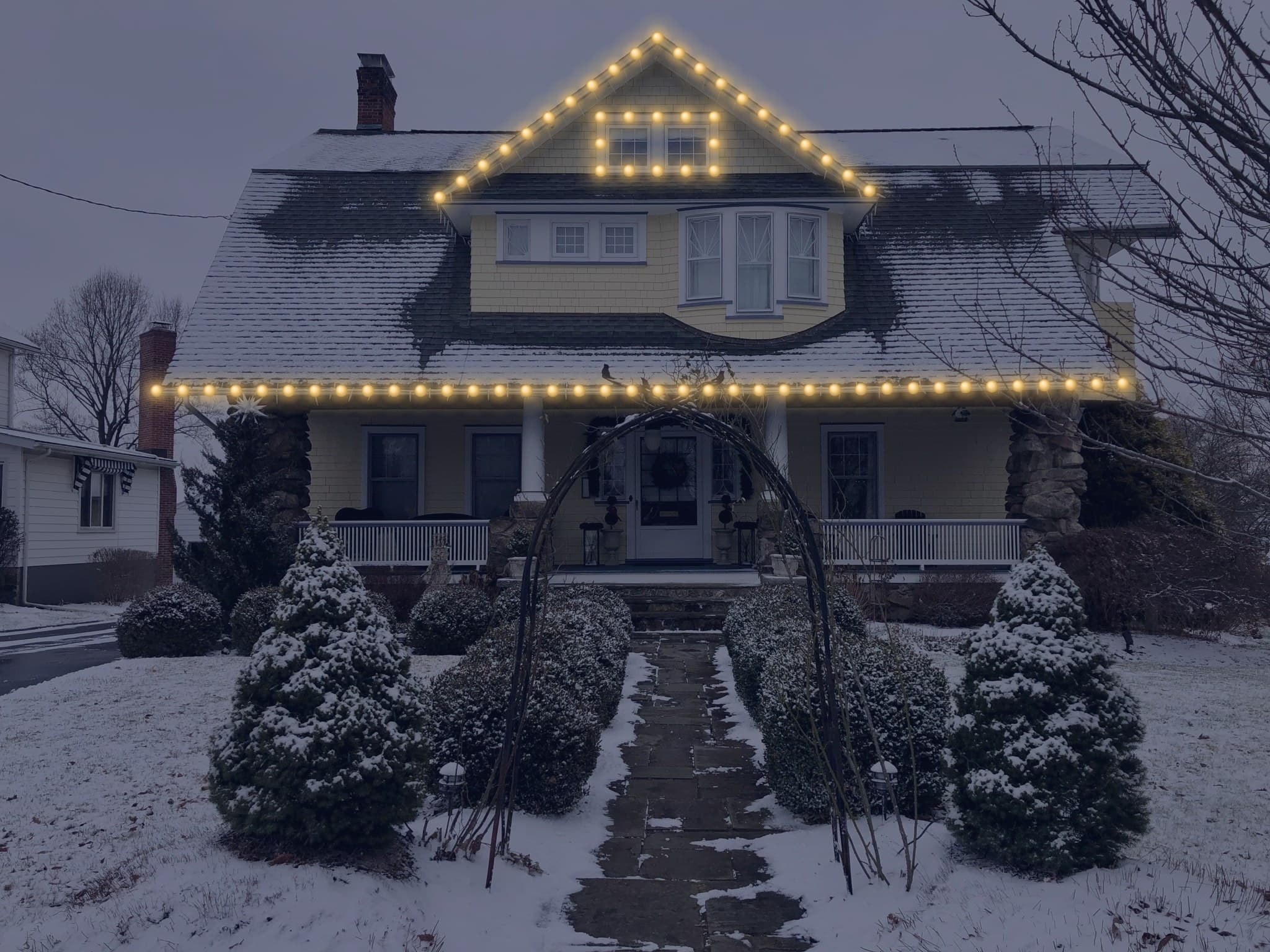
A real Realistic Preview from the visualizer
Upload a photo of any house, add lights and decorations, and send the design the way your customers would.
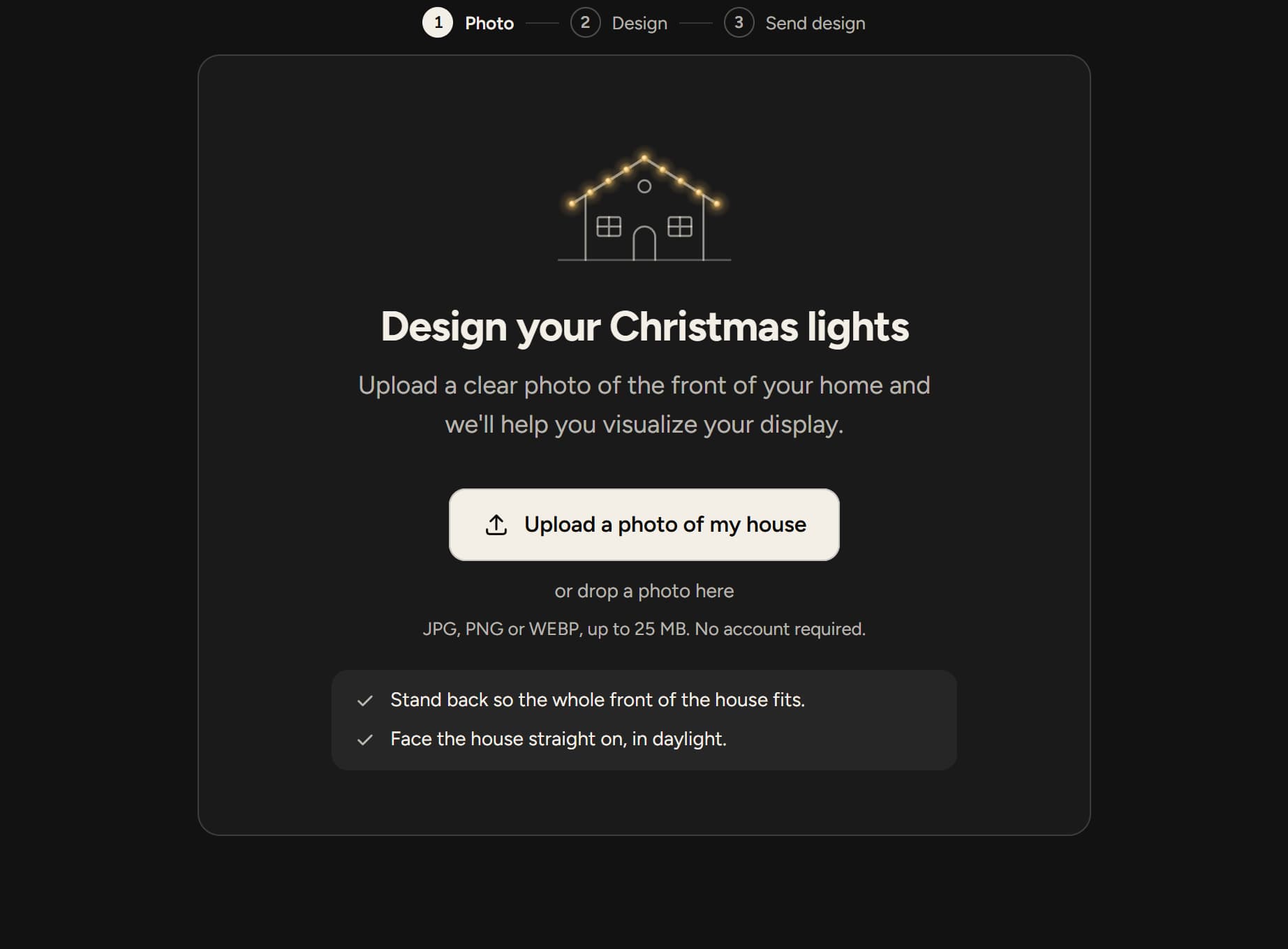
A screenshot of the demo's first screen: the upload step, with a button to upload a photo of a house and tips for a good photo.
Upload any house photo and try it yourself.
Not a video or a mockup. Use it exactly the way your homeowners will.
Runs the real Svear Lights visualizer in test mode. Designs are checked, then discarded, and never sent to anyone.
Add a house photo
Upload any house photo, or take one on your phone. A straight-on daytime shot of the front works best.
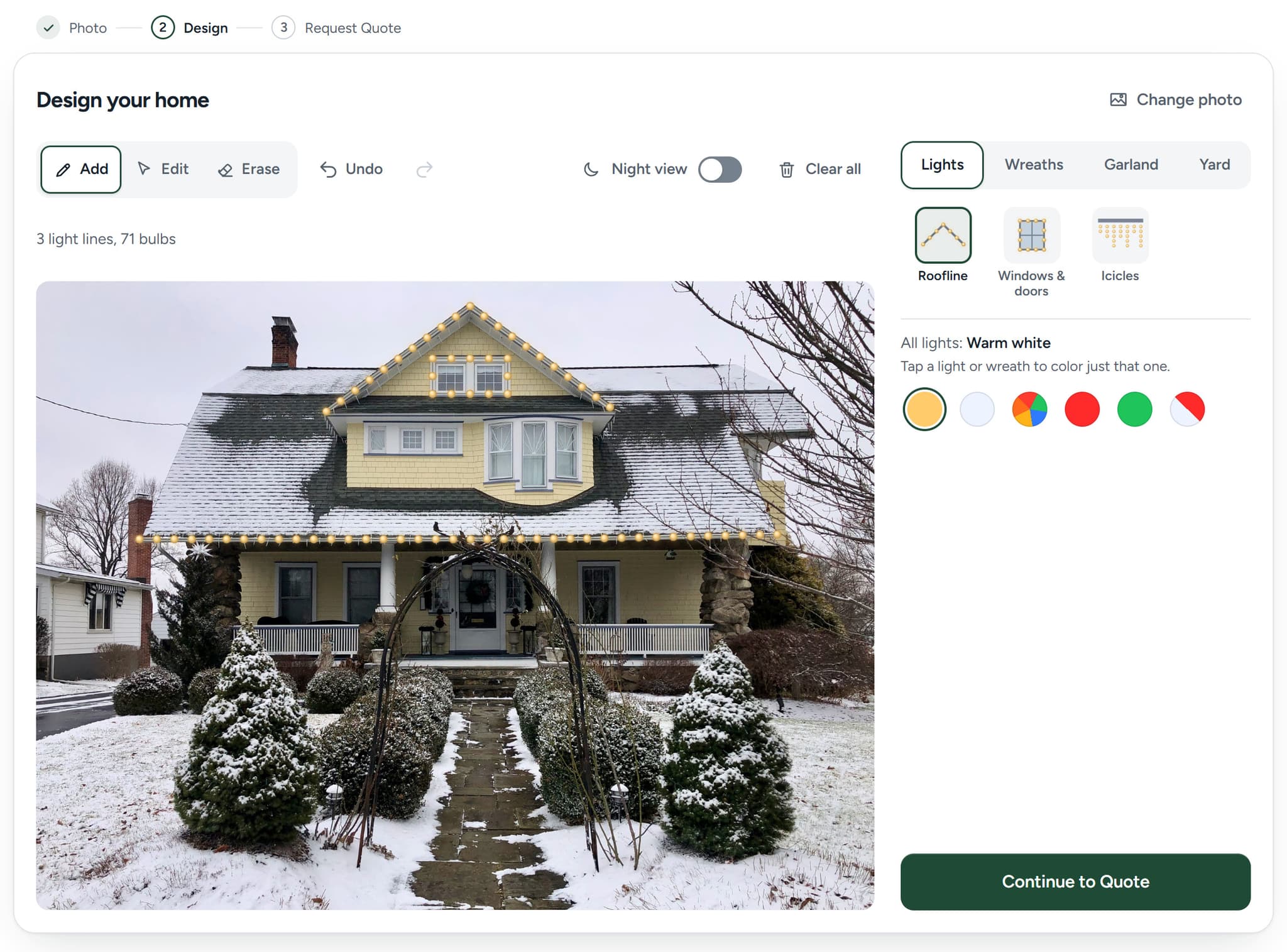
Tap along the roofline
Tap each corner along the roof, then tap Done, and a strand of lights appears. Try wreaths, garland, other colors and Night view.
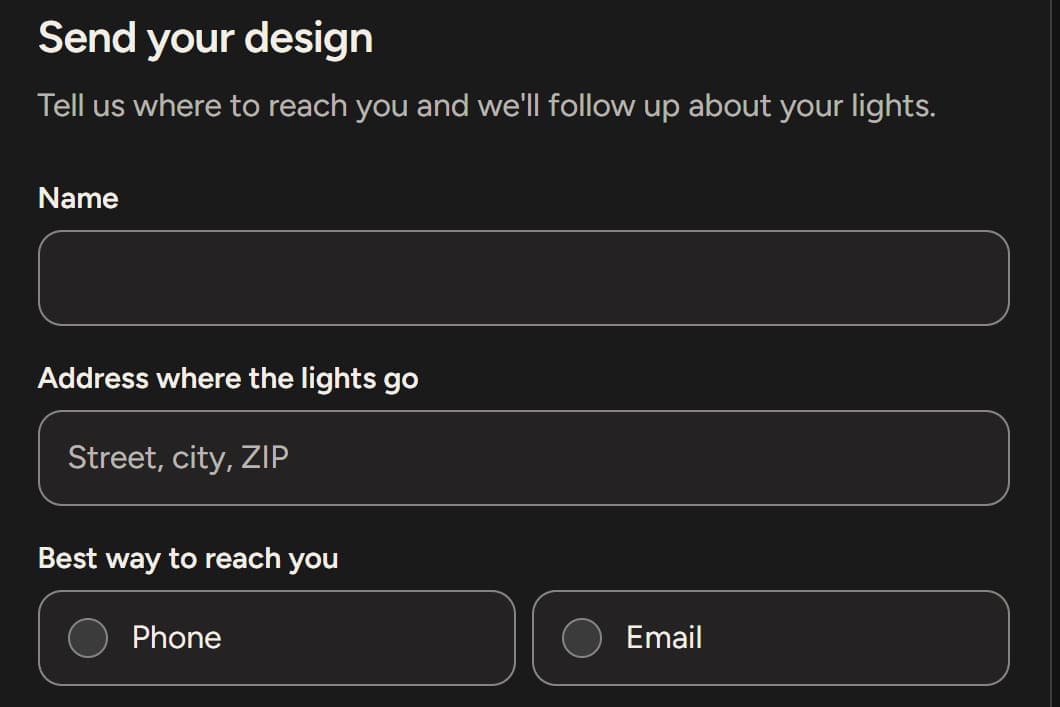
Send the design
See what a homeowner sends you. Made-up details are fine: test mode checks the design, then discards it.
Easy for the homeowner. Everything your team needs to quote, in one request.
Step 1
Homeowners upload a photo of their house from a phone or a computer.
Step 2
They add lights, colors and the decorations you offer.
Step 3Optional
One tap turns their design into a realistic dusk preview of their own home.
Step 4
Their finished design and contact details go straight to your team.
Real screens and outputs from the visualizer. Your setup decides the details: Realistic Preview is included and optional for homeowners, and you choose how pricing is shown: no price, a starting price or a private quote.
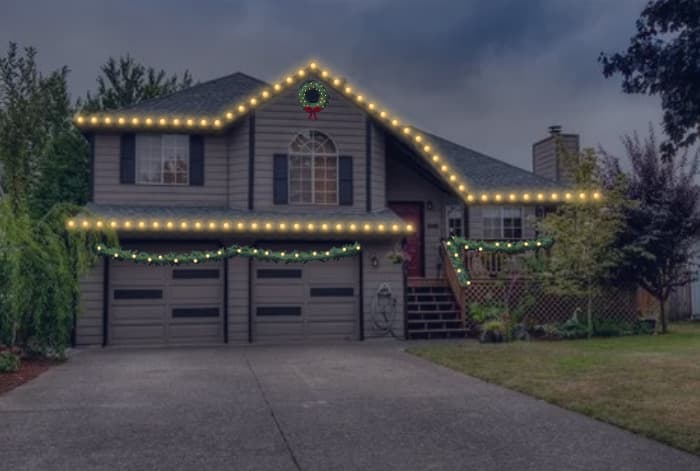
Turn the homeowner's design into a realistic dusk preview of their own home.
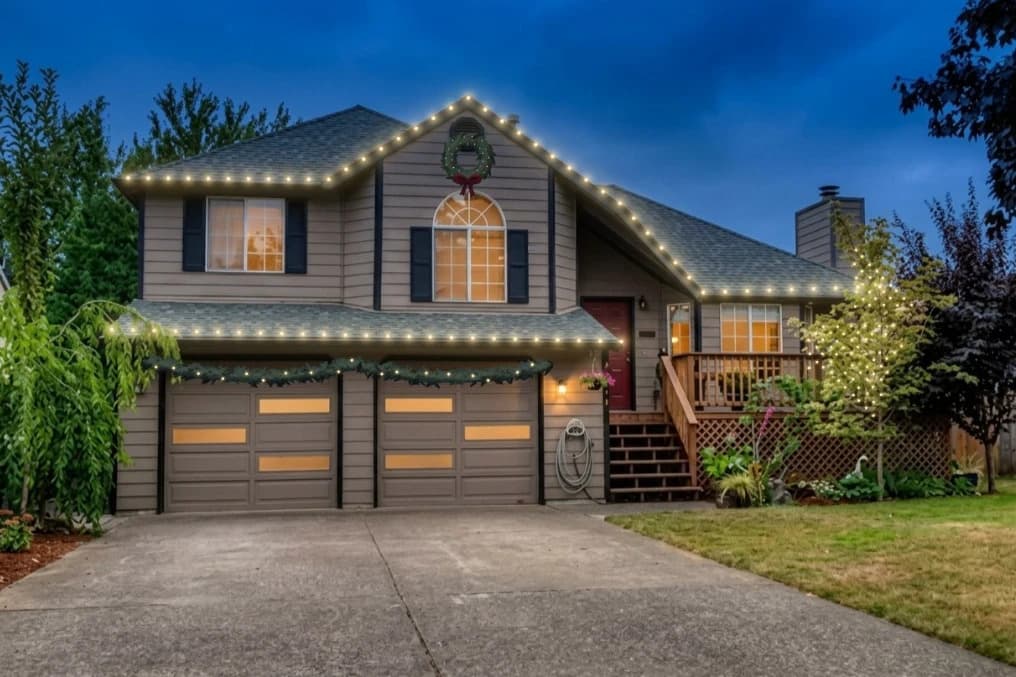
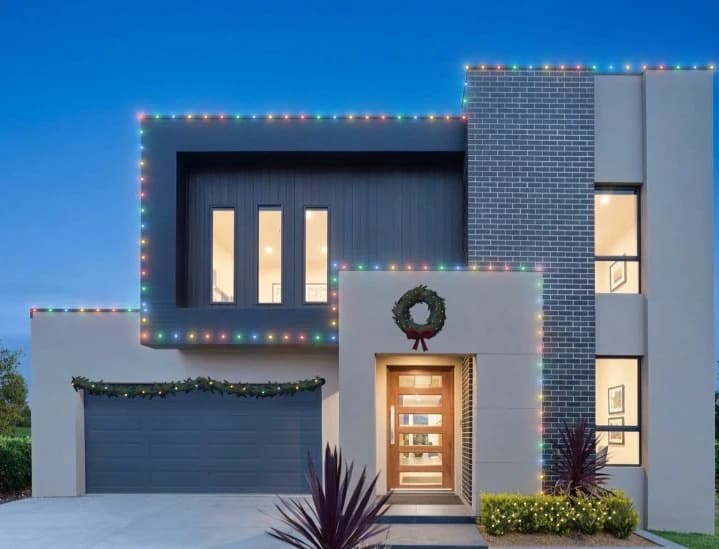
The preview uses the layout the homeowner made, so it shows their choices, not a stock photo.
Homeowners choose whether to make one. Nothing generates just by opening the tool, and the design can be sent either way.
Every Season Pass includes it, switched on. Rather not offer it? We'll turn it off.
A realistic preview is a visualization to help homeowners see how their design could look. The design they made stays the source of truth, and the preview isn't a photo of finished work: the final appearance depends on the property and the actual installation.
Realistic Preview is included for normal seasonal business use. Real Realistic Previews from the visualizer.
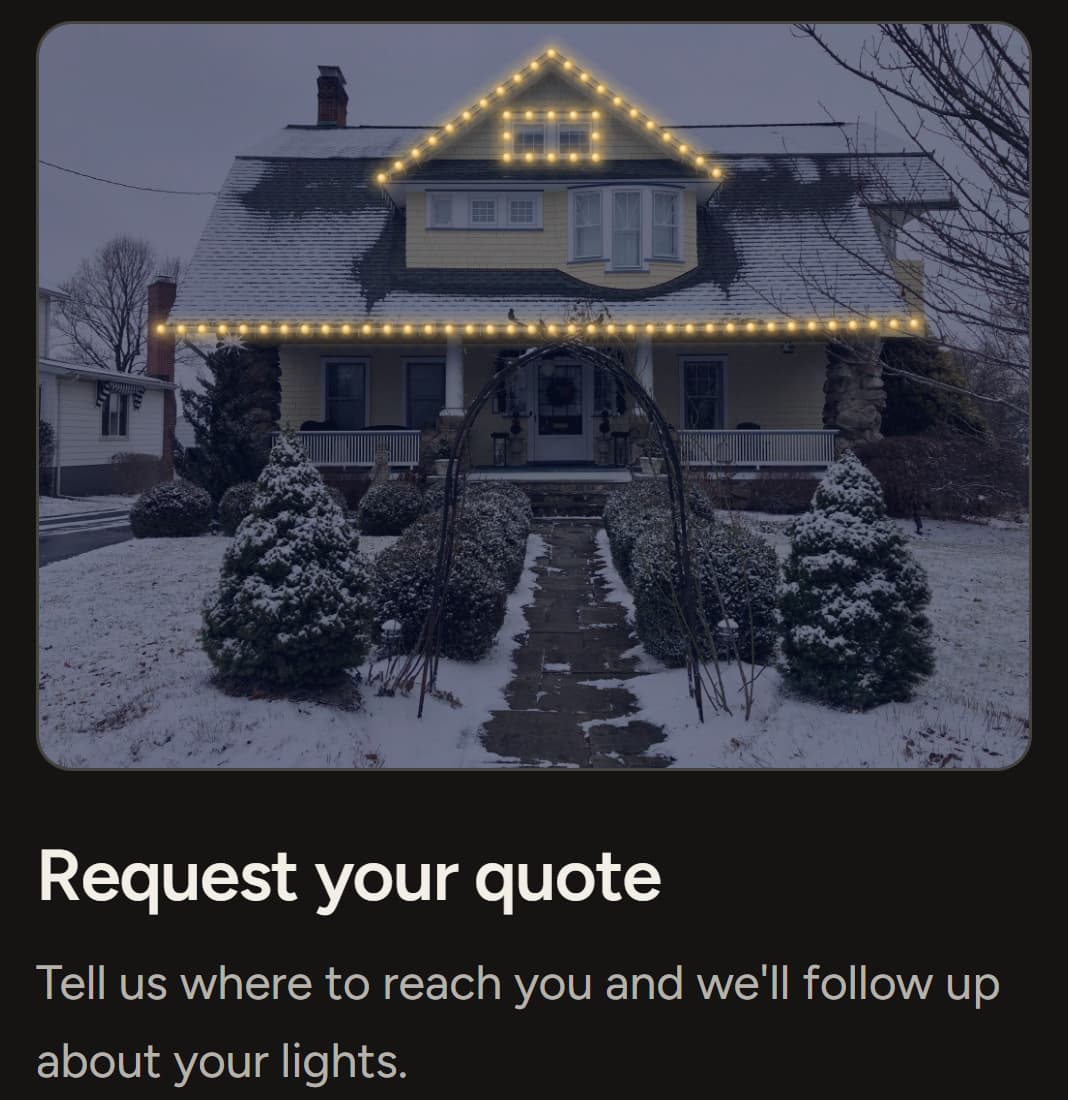
Every request arrives with the homeowner's house, the design they made and how to reach them, so you know what they want before the first call.
Example request: a fictional homeowner. Its picture is a real design from the visualizer.
A better first step for homeowners, and a better first conversation for your team.
Homeowners design lights on their own house instead of only reading about your services.
Each request carries the house, the design and the address, plus a budget if you ask for one, not just a name.
See exactly which rooflines and decorations they picked before the sales conversation starts.
Holiday lighting is a big seasonal purchase. Homeowners see it on their own house before they ask.
Browsing becomes a quote request in one flow, on a phone or a computer.
Focused design tools for the homeowner, and the quote and lead features your team relies on.
Homeowners start with a photo of their own house, from a phone or a computer.
Tap along any roofline to place a strand of lights exactly where they want it.
Pick from the light colors you offer and adjust the bulb spacing.
Switch between the daylight photo and a night view of the design.
Wreaths, garland, icicles and window outlines: only the ones you sell.
Walkway, driveway and shrub lights, where you enable them.
Adjust or remove anything in a tap, and step back or forward through changes.
An optional dusk preview generated from the finished design.
Built for phones as well as desktop, wherever homeowners find you.
Budget choices that match the jobs you take.
Show a starting price, or keep pricing for your conversation.
Contact details, service address and the finished design in one request.
Each request arrives by email with the house photo and the design attached.
Requests arrive by email. Want them sent on to your CRM too? Just ask.
We configure the visualizer around your business, so homeowners see your company from the first screen to the quote request—not another third-party tool they have to figure out.
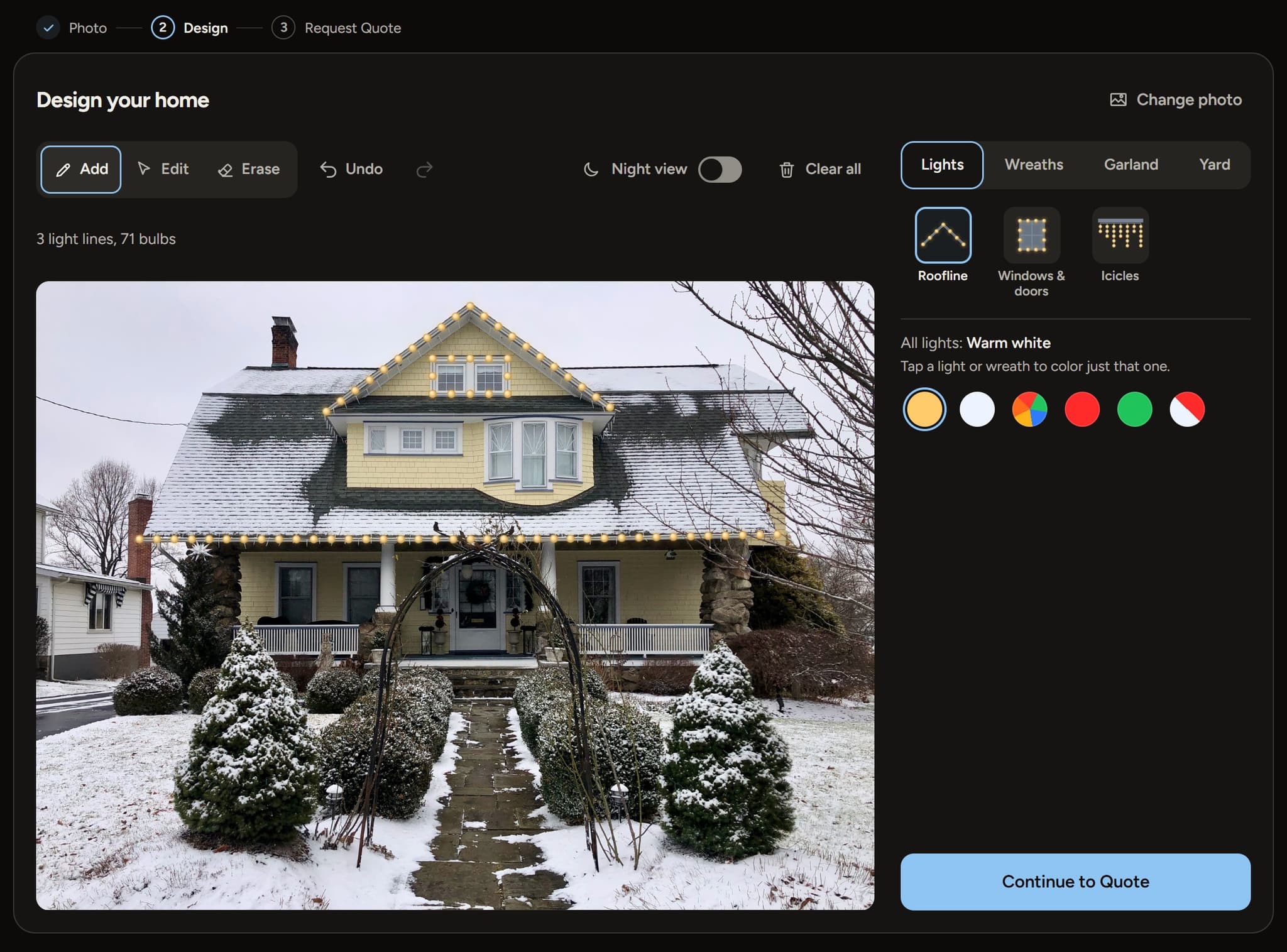
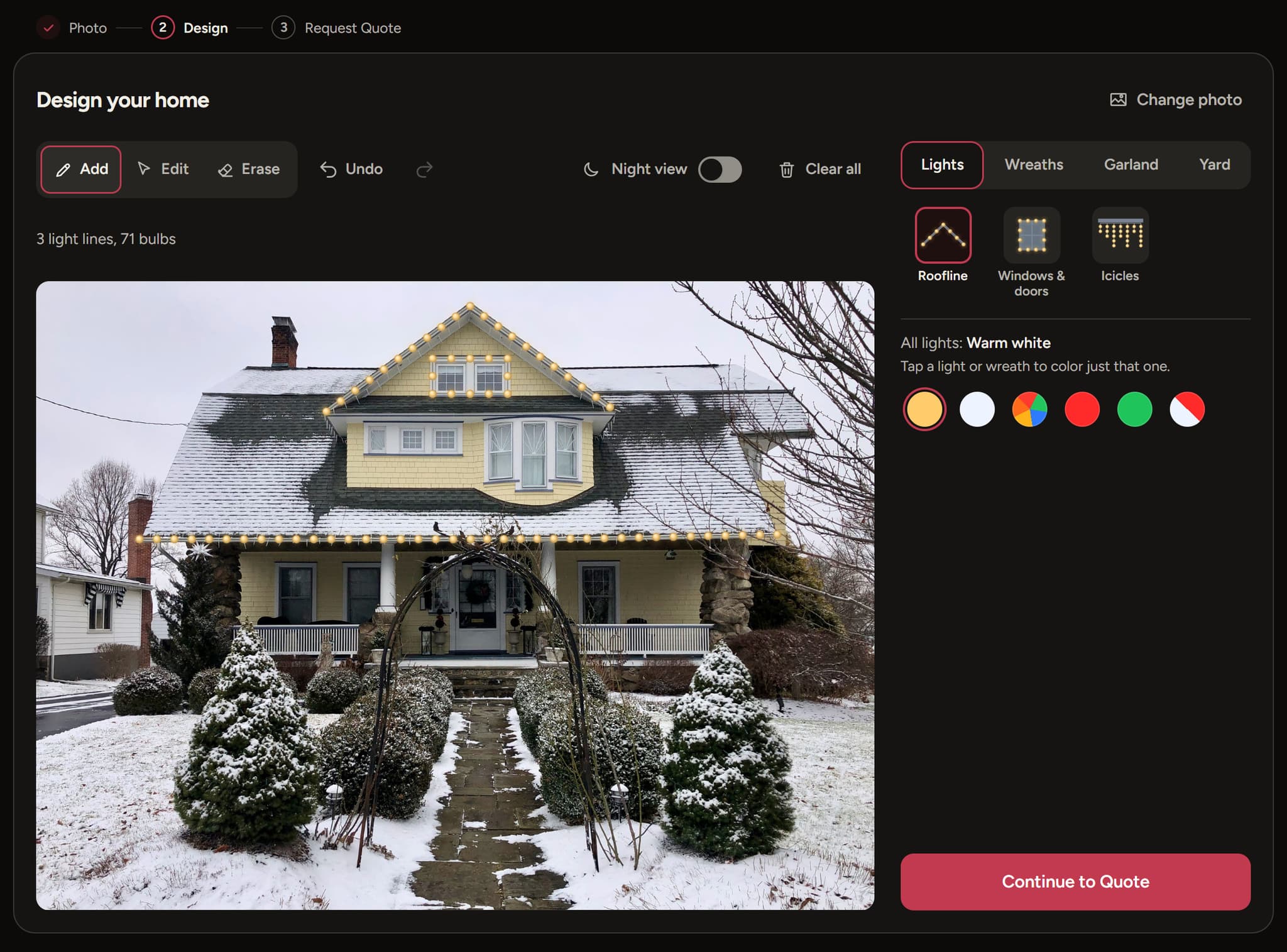
Real screens: the same visualizer set up for each installer. Every screen shows your brand, not ours.
Your logo
On the first screen homeowners see.
Your business name
On the quote form, and in any wording you choose.
Your brand color
On the main buttons and the progress steps.
Your lights and decorations
Only the colors and decorations you actually offer.
Your quote experience
A starting price or a request-a-quote flow, in your wording.
Underneath your brand, every installer gets the same polished, tested design tools. We keep the layout and controls consistent, and we check that your colors stay readable.
Tell us how you sell during onboarding, and we set the visualizer up to match. Need a change later? Just ask.
Your logo, business name and brand color.
Only the colors you actually install.
Rooflines, wreaths, walkway lights and the other decorations you sell.
Included and on. We can switch it off if you ask.
The budget choices homeowners pick from.
A starting price, or a request-a-quote flow with no price shown.
The wording homeowners see and your budget question.
Your email inbox. CRM routing on request.
Sets expectations early while keeping your final price flexible.
For installers who'd rather talk price after seeing the job.
A starting price is the figure you set, never a calculated or guaranteed price. You confirm every quote.
We set up your branded visualizer and send you its own link. There's nothing to install and no changes to make to your website.
Your visualizer's address
design.svear.io/your-company
An example. Yours is named for your business.
Send ad clicks straight to your designer.
In your Instagram and Facebook bio.
Follow-ups with homeowners who ask about lights.
On yard signs, flyers, door hangers and trucks.
On your listing, where local homeowners search.
Behind any button or menu item.
You don't need a web developer, website access or any code. We configure your visualizer and let you know when it's ready. If anything is unclear, we'll walk you through it.
Pay $297 for the 2026 Season Pass, on a secure hosted checkout page.
Fill out the Svear Lights onboarding: your branding, services, pricing preferences and lead delivery.
Within 24 hours of your completed form, we configure and test your branded visualizer, then send you its link.
Use the link in ads, social media, texts, emails, QR codes or your website.
Questions about setup?Email us (opens your email app) at svear.io@svear.io
One payment for the season, so you don't need a year-round software commitment.
$297one-time
Your branded Christmas-light visualizer for the 2026 holiday season. No subscription, no setup fee and no automatic renewal.
All sales are final.
Prices in US dollars. The Season Pass is a one-time payment and is not refundable.
One product, one payment, for the 2026 holiday season.
Short answers about the offer, setup, Realistic Preview and where your leads go.
No. $297 is a one-time payment for the 2026 holiday season.
No. Nothing renews or charges you again.
You choose whether to buy the next season's offer. We'll share its details before then.
No. You get a branded visualizer with its own hosted link. If you like, you can link to it from your website.
Yes. Your visualizer has its own link, so ad clicks can go straight to it.
Yes. We set up your visualizer with your business name, logo and colors, the lights and decorations you offer, and your quote experience.
By email, to the inbox you choose during onboarding. CRM routing is available on request.
You decide during setup. Supported launch options are no displayed price, a starting-price message, or a private quote request.
Yes. Every Season Pass includes Realistic Preview, switched on in your visualizer. Realistic Preview is included for normal seasonal business use. Svear may rate-limit or restrict excessive, automated, abusive, or non-business use to protect service reliability.
No. It is a visualization to help homeowners picture their design, and the design itself stays the source of truth. Final appearance depends on the property and actual installation.
Yes. The visualizer is built for desktop and mobile.
Stripe takes you straight to the Svear Lights onboarding form. Your visualizer is ready within 24 hours of a completed form: we configure and test it, then send you its link. If the form doesn't open after you pay, use the link below.
No. All sales are final. The Season Pass is a one-time payment and is not refundable. Try the live demo before you buy, and email us with any questions.
No. Svear Lights works on its own with the customers and traffic you already have. Ads, ad creative and funnels are separate, optional services.
Still have a question?
Email us at svear.io@svear.io (opens your email app)We'll brand it and set it up. You share it and collect homeowners' designs and quote requests.
Want more homeowners to see it? See growth services